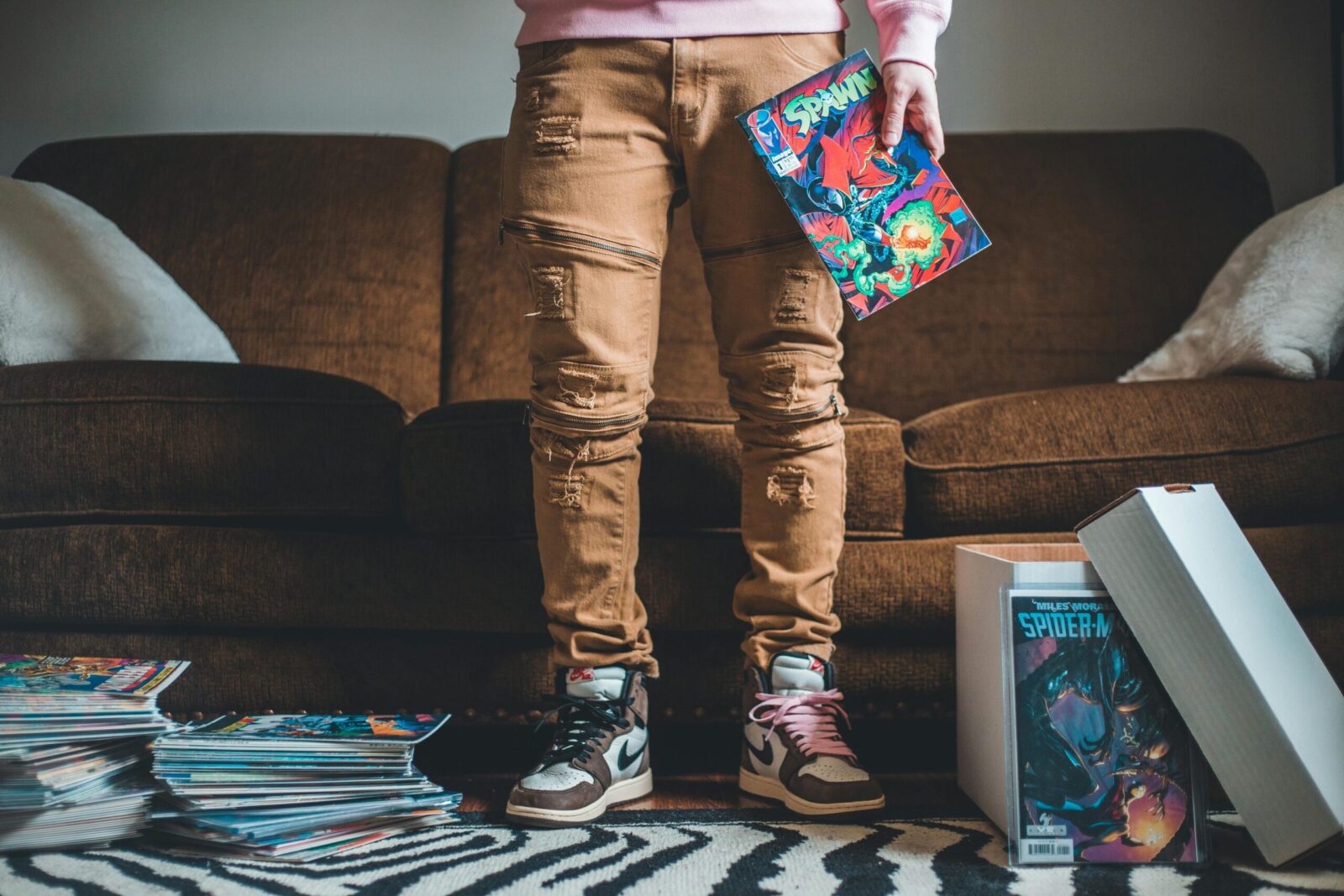
You love the ritual: bag-and-boards, long boxes, that faint newsprint smell when you flip an old issue. But it’s 2026, your shelves are groaning, and digital comics are better, and easier, than they were even a few years ago. The question isn’t whether digital is convenient: it’s whether you should move your entire comic collection to the cloud. Here’s what going all‑in really looks like, where the trade‑offs bite, and how to build a plan that fits your reading habits, your budget, and your collector heart.
What Going All‑Digital Really Means For Comic Collectors
Going all‑digital isn’t just “buying ebooks.” It means your library, single issues, trades, omnibuses, indie PDFs, and scans, lives in secure online storage and syncs across your devices. You read on a tablet, phone, e‑ink slab, or desktop app: you organize with tags and metadata instead of long boxes: and you back up with redundancy, not more plastic totes.
There are two digital streams to understand. First, storefront subscriptions and purchases: Amazon’s Kindle/Comixology, Marvel Unlimited, DC Universe Infinite, Dark Horse Digital, VIZ, and publisher shops. These are fast, legit, and beautifully rendered, but often DRM‑locked. Your access depends on the platform’s policies and your account staying active.
Second, your personal files: DRM‑free purchases from publishers, Humble Bundles, creator stores on Gumroad/Ko‑fi/Itch, plus your own scans. These travel with you. You can tag them, rename them, and store them wherever you want. If you’re talking about “moving your entire comic collection to the cloud,” you’re most likely talking about centralizing this DRM‑free library and the PDFs you’ve legitimately acquired.
Going all‑digital also changes the tactile and social side of collecting. You won’t be pressing spines or hunting for a high‑grade copy at a con. Instead, you’ll become a curator of files, readers, and backups. It sounds clinical, but there’s a real joy in having every run you love searchable and readable in seconds. Still, that joy is different from owning a slabbed first print you can hold.
Benefits Of Moving Your Collection To The Cloud
The upsides are bigger than “I can read on a plane.” Going cloud‑first unlocks flexibility and control that paper can’t match.
- Space and weight disappear. Hundreds of gigabytes can sit invisibly in the cloud while your iPad only keeps what you’re reading this week cached offline.
- Organization gets smarter. With consistent file names, series tags, and reading lists, you can pull up every issue from an event in chronological order, no digging through long boxes.
- Instant availability. You can start a run on your couch, pick up on your phone in line at the coffee shop, and continue on a monitor at your desk.
- Preservation and redundancy. A flood can destroy boxes. Three copies (cloud + local drive + off‑site) protect your library from accidents, theft, and bit rot.
- Better reading experience. Guided view, panel zoom, night modes, and high‑resolution displays make older art pop and reduce eye strain. On a 120 Hz tablet, page turns feel natural.
There’s also cost performance. Back in the day you’d lay out $4–$6 per issue plus storage supplies. Today you can pick up DRM‑free publisher bundles for pennies per issue, or use subscriptions to explore back catalogs. And if you’re a creator supporter, buying direct puts more money in artists’ pockets and gives you files you truly own.
Finally, discoverability improves. With smart tagging, publisher, imprint, writer, arc, you can surface forgotten minis on a whim. You’ll actually read what you own, not just admire neatly labeled boxes.
Risks, Trade‑Offs, And What You Lose
Let’s be honest: digital and cloud storage introduce their own headaches.
You lose tactile value and display appeal. A curated shelf says something about you the moment someone walks in. A cloud drive doesn’t. You also lose the collectible potential of physical comics. A first appearance might appreciate: a folder of CBZs won’t. If part of your hobby is the hunt, the grade, and the slab, going all‑digital erases that thrill.
DRM is the second big trade‑off. Purchases inside walled gardens can disappear, get geo‑restricted, or change apps on you. We’ve already watched the Comixology-to-Kindle transition break libraries and readers. If you move everything to the cloud, favor DRM‑free files you control, not just subscriptions.
There’s also ongoing cost and maintenance. Cloud storage isn’t expensive, but at scale it adds up, especially with art‑heavy omnibuses. You’ll need to manage backups, check drive health, and occasionally re‑tag or re‑scan metadata. Digital clutter can be as real as physical clutter, just invisible.
Quality varies. Some older scans are muddy: some PDFs have poor text layers that make lettering jagged at high zoom. Color calibration matters. A cheap screen can crush blacks or oversaturate. You may find yourself tweaking displays or buying a better tablet to get the art the way the artist intended.
Finally, there’s longevity. File formats are stable, but apps come and go. If you pick a niche reader and it dies, you need an exit strategy, open formats, clean filenames, and sidecar metadata so you’re never trapped.
Smarter Middle Ground: A Practical Hybrid Plan
You don’t have to choose religion here. A hybrid approach keeps what you love about physical while giving you digital’s speed and reach.
Keep physical for what’s truly collectible or irreplaceable: keys, signed editions, artist editions, oddball prestige formats, and sentimental runs. Store them properly, acid‑free boards, Mylar for keys, upright in well‑ventilated space. For everything else, go digital so you can read more, faster, and without storage stress.
Use subscriptions to explore and to sample: buy DRM‑free editions for runs you want to “own.” When a digital run becomes a personal classic, grab a deluxe hardcover for the shelf. That way your display reflects your taste rather than your backlog.
Set simple rules so the plan sticks:
- Physical if it’s a key, signed, or oversized art book: digital for monthlies, events, and back‑issue bingeing.
- DRM‑free preferred for keepers: subscriptions for discovery and casual reads.
You’ll still “move your comic collection to the cloud,” but you’re moving the portion that benefits from it most, not the pieces that lose their soul without paper.
How To Migrate And Protect Your Library The Right Way
Start with an audit. List what you own physically, what you’ve bought digitally, and what’s available DRM‑free. Decide what you’ll digitize, what you’ll rebuy in bundles, and what you’ll leave on paper.
Name files cleanly: Series Name (Year), v1, 001.cbz. Keep consistent volume labels and zero‑padded issue numbers so your folders naturally sort in order. Add metadata using ComicTagger with a ComicInfo.xml sidecar, writer, artist, publisher, issue date, arc tags. That data travels with the file.
Pick a cloud that plays nicely with large libraries. Dropbox, Google Drive, OneDrive, and iCloud all work: prioritize reliable syncing, good mobile clients, and easy sharing to your reader app. If your library is huge, consider a NAS at home with remote access: it’s private, fast, and expandable.
Follow the 3‑2‑1 rule for backups: three copies of your library on two different media with one off‑site. Practically, that’s your cloud drive, a local SSD, and a second drive stored elsewhere. Schedule checksum verifications annually so you catch corruption early. And export your reading lists occasionally so you can rebuild if an app goes away.
File Formats, Storage, And Reader Apps To Consider
CBZ (a ZIP of image pages) is ideal: simple, portable, and widely supported. CBR (RAR) works too but depends on proprietary RAR: if you’re starting fresh, prefer CBZ. PDFs are fine for fixed‑layout books and art editions but can be heavy. Avoid exotic formats that tie you to one app.
For storage, choose SSDs for local speed and a reputable cloud provider for off‑site redundancy. If you scan, use 600 dpi for line art, 24‑bit color for painted pages, and lossless PNG/TIFF as masters before exporting to CBZ.
Reader apps: On iOS/iPadOS, Panels and Chunky are standouts with superb libraries, metadata support, and smooth page turns. YACReader is great across desktop and mobile with a server component. On Android, Perfect Viewer and CDisplayEx are reliable. If you’re deep in Kindle, sideloading CBZs is possible, but e‑ink struggles with color: a good tablet makes modern coloring sing.
Frequently Asked Questions
What does it mean to move your comic collection to the cloud?
Moving your comic collection to the cloud means centralizing DRM‑free files (CBZ, PDF, etc.) in online storage that syncs across devices. You’ll organize with consistent filenames and metadata, read via tablet or apps, and protect the library with backups—trading long boxes for searchable tags and redundant storage.
What are the biggest benefits of going all‑digital for comics?
Digital comics eliminate space and weight, improve organization with tags and reading lists, and offer instant availability across devices. You gain preservation via redundant backups, better viewing features (guided view, panel zoom, night mode), and strong cost performance through bundles and subscriptions—making it easier to actually read what you own.
What risks or trade‑offs come with digital vs. physical comics?
You lose tactile display value and collectible potential. DRM‑locked purchases can vanish or change platforms. Ongoing cloud costs, metadata maintenance, and variable scan quality are real. Longevity depends on open formats and exit strategies. If you love the hunt, grading, and slabs, going fully digital removes that experience.
How do I safely migrate and protect a digital comic library?
Audit your collection, favor DRM‑free files, and standardize names (Series (Year) v1 001.cbz). Add metadata via ComicTagger/ComicInfo.xml. Use a reliable cloud (or NAS) and follow 3‑2‑1 backups: cloud copy, local SSD, and an off‑site drive. Verify checksums annually and export reading lists for portability.
Is it legal to scan my physical comics for personal digital use?
Laws vary. In the U.S., personal “format‑shifting” isn’t clearly exempt for comics, so making scans for yourself sits in a legal gray area. Distribution is clearly infringing. If you digitize, keep files private, respect DRM, and check your local laws or purchase DRM‑free editions from legitimate sources instead.
How much cloud storage do I need to move my comic collection to the cloud?
Typical CBZ issues range ~40–120 MB; large omnibuses can run 500 MB–2 GB. A 1,000‑issue library might occupy 60–100 GB, plus room for art books. Plan for headroom: 200–500 GB suits many readers, while heavy collectors or high‑resolution scans may want 1 TB with scalable expansion.
No responses yet